AI Glasses vs Display Glasses: Which Type Should You Buy?
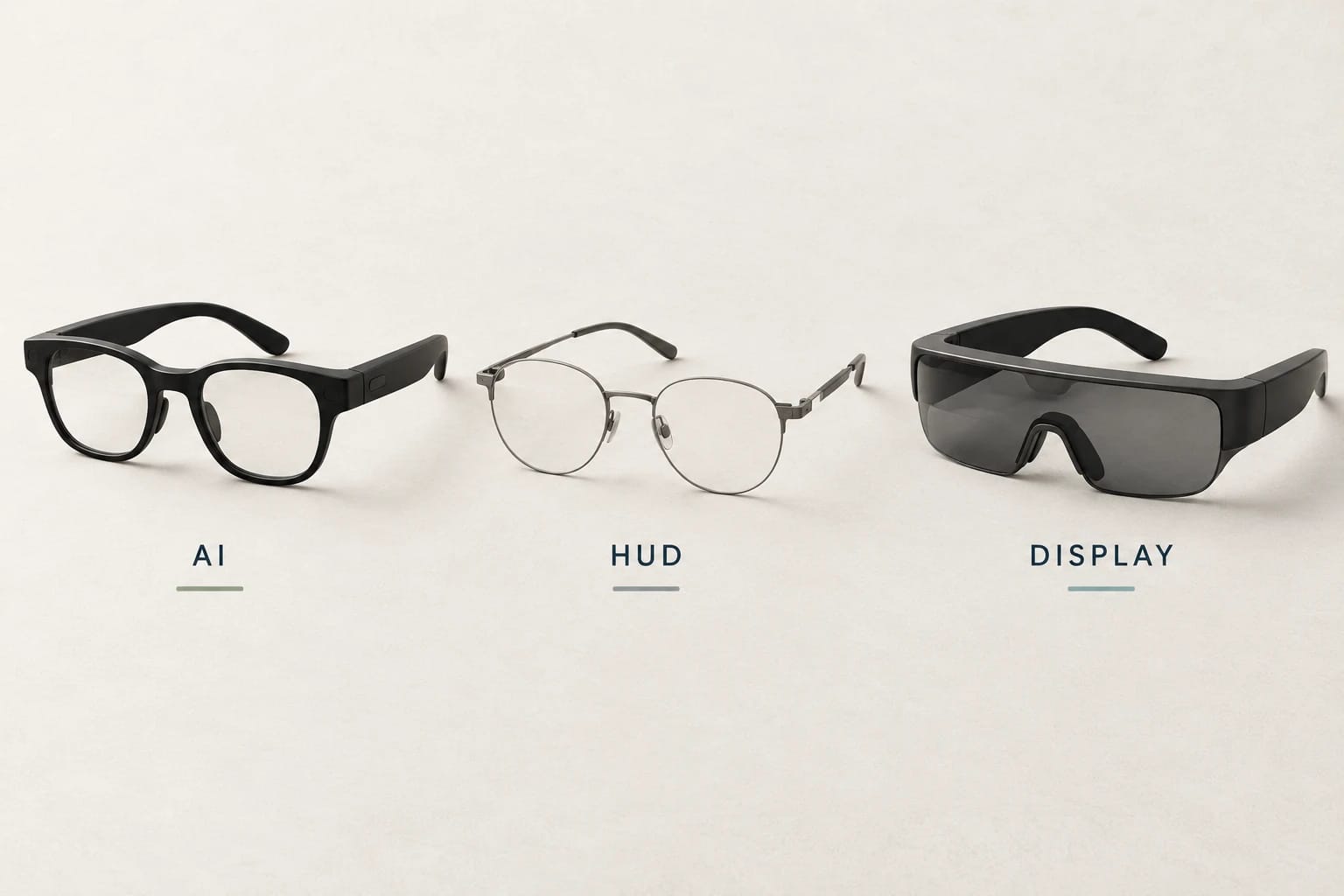
Choose camera and audio AI glasses for hands-free photos, calls, and spoken assistance. Choose a discreet heads-up display for short messages, prompts, and directions. Choose a wearable monitor for movies, games, and computer screens. The right purchase starts with the task you want to do, then your phone, prescription, and complete setup cost.
AI glasses vs display glasses: the quick answer
“AI glasses” describes a capability; “display glasses” describes hardware. A pair can have both. The useful buying distinction is between glasses that capture and speak, glasses that show small pieces of information, and glasses that act as an external screen.
If your goal is recording a family outing without holding a phone, start with camera and audio glasses. If you want to glance at presentation notes, look at a heads-up display. If you want a larger gaming screen on a flight, start with wearable monitors. Our Smart Glasses Finder can narrow the category before you compare individual models.
| Type | Useful for | Main buying limit | Example |
|---|---|---|---|
| Camera and audio AI glasses | Photos, video, calls, music, spoken assistance | No in-lens screen on the example shown | Ray-Ban Meta Gen 2 |
| Discreet heads-up display | Brief messages, notes, captions, directions, depending on the model | A small information display has different uses from a computer monitor | Even G2; Meta Ray-Ban Display |
| Wearable monitor | Movies, handheld gaming, compatible computer output | Needs a supported video source, cable, and sometimes an adapter | XREAL One Pro; VITURE Beast; RayNeo Air 4 Pro |
Camera and audio glasses: choose these for capture and spoken help
Ray-Ban Meta Gen 2 is a representative camera and audio model, with speakers and microphones for calls, media, and voice interactions. Its lenses do not display messages or movies. Ray-Ban lists camera and audio models separately from Meta Ray-Ban Display in its official US range; check the exact generation and frame when shopping.
This category suits someone who wants to photograph a cooking project or share a first-person view while keeping their hands available. It also suits a buyer whose main wish is listening and asking questions without repeatedly reaching for a phone. If you need to read an answer silently, a display becomes a more relevant requirement.
Heads-up displays: choose these for information at a glance
These glasses put limited information into your view while leaving you able to see your surroundings. The differences between models matter: Even G2 has a green binocular display and microphones, with no camera. Its advertised tools include conversation prompts, translation, navigation, and notifications. A camera-free design still uses microphones and software for those voice features.
Meta Ray-Ban Display combines a color display in the right lens with a camera and open-ear audio. Meta advertises messaging, captions, and visual AI responses, and includes the Neural Band for gesture control. Trying its monocular display and finding the correct band size are worthwhile parts of a buying demo.
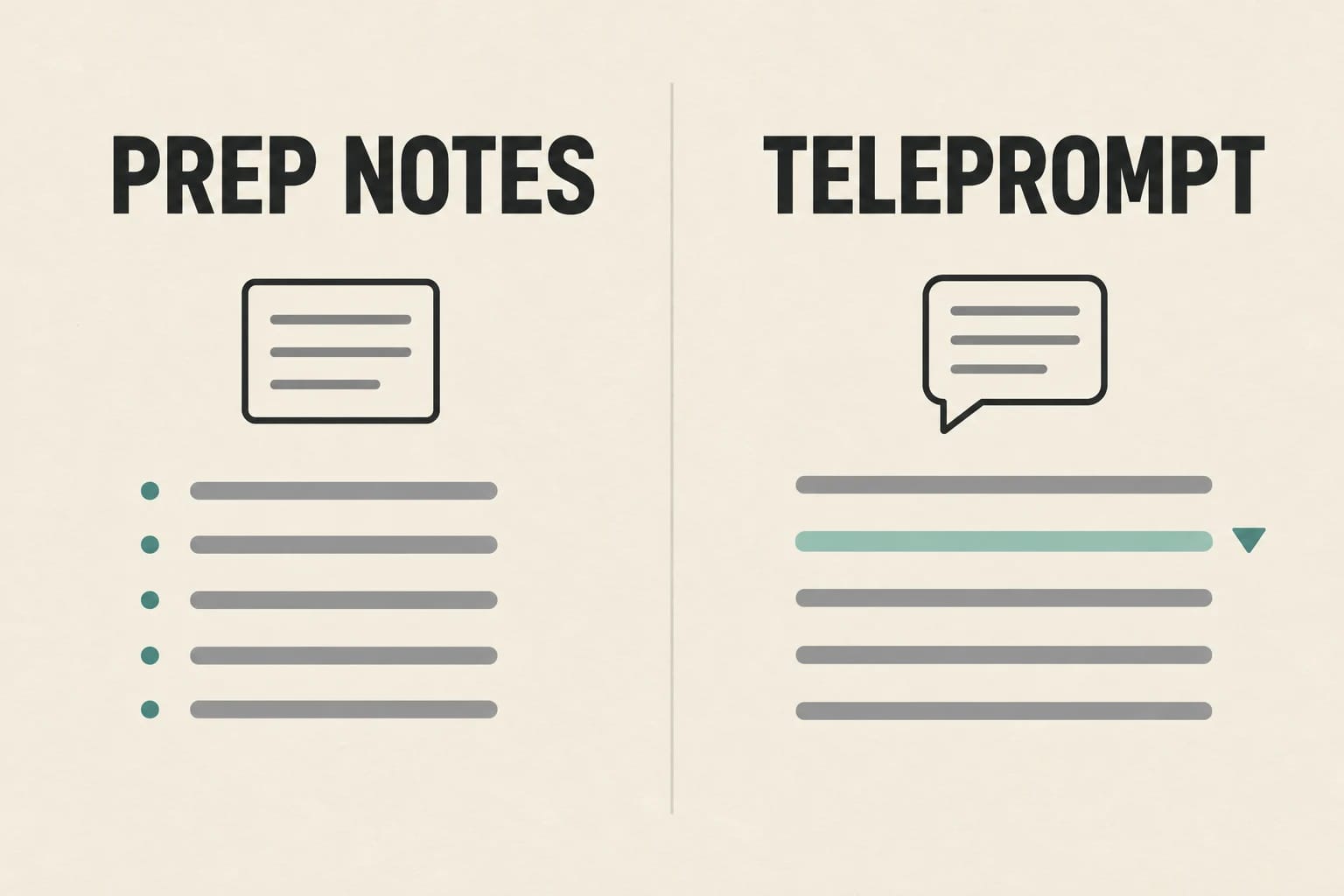
For a presenter, the choice might be short reminders during a discussion or a scrolling script during a rehearsed talk. Our Even G2 Prep Notes vs Teleprompt guide explains that workflow. Neither a text-focused display nor a small message panel should be bought on the assumption that it provides a full laptop desktop.
Wearable monitors: choose these for entertainment or an external screen
XREAL One Pro, VITURE Beast, and RayNeo Air 4 Pro belong in your shortlist when the main job is displaying video from another device. Think about where you will sit, what will provide the video, and where the cable will run. For a movie on a train or a handheld game on the couch, that setup can be a sensible tradeoff.
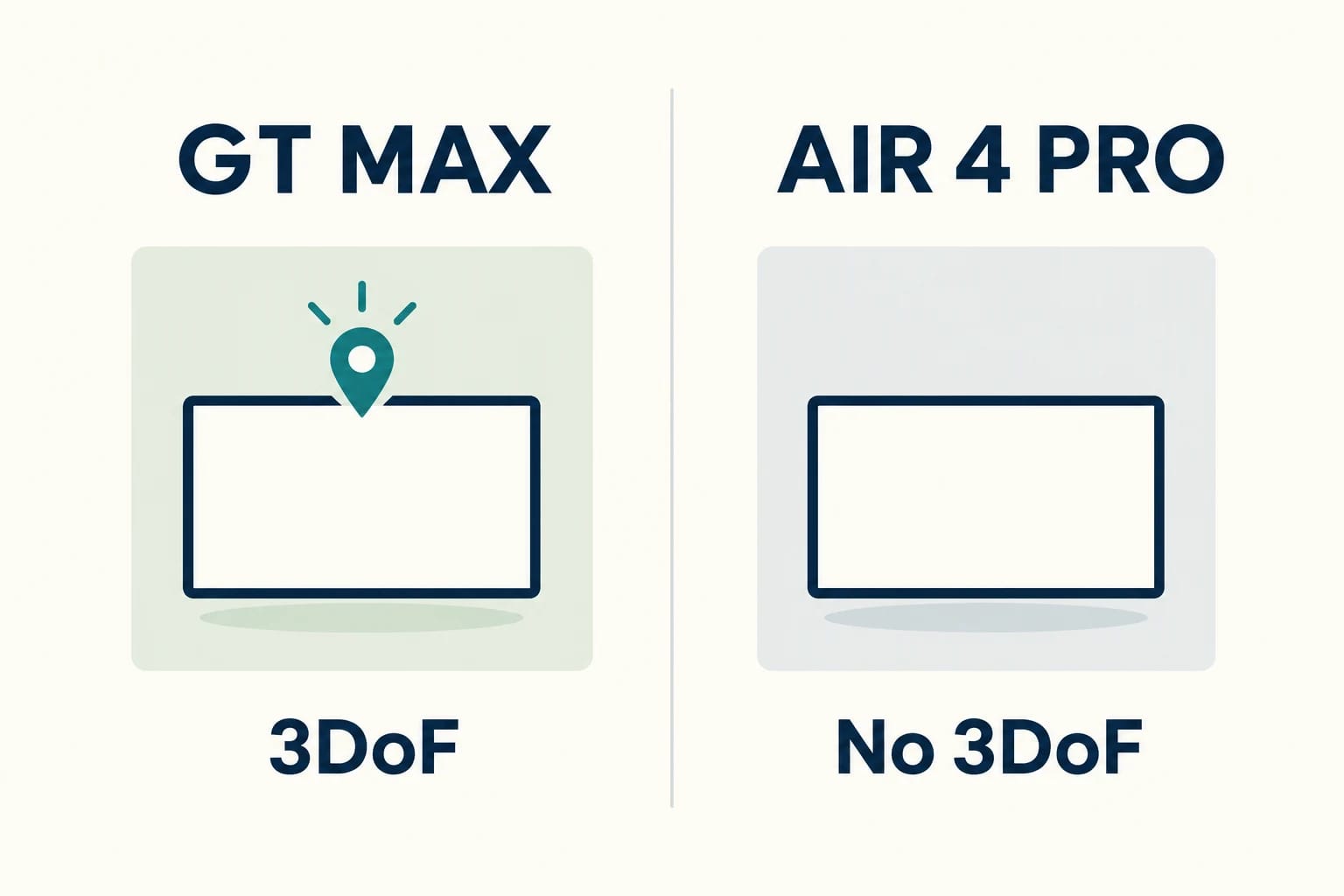
Screen positioning is a separate feature from ordinary video playback. Some models can anchor a screen as your head moves; others keep the image moving with your view. RayNeo explicitly says Air 4 Pro has no 3DoF spatial anchoring. Its stereoscopic 3D features concern the content, not head tracking. Our RayNeo GT Max vs Air 4 Pro comparison covers this distinction and HDR compatibility.
Check phone and computer compatibility before choosing a frame
Wireless companion glasses need a supported app and phone
Check the current requirements for the exact glasses model and companion app before checkout. Ray-Ban's US FAQ requires a supported phone, the Meta AI app, a Meta account and wireless internet. An operating-system minimum on a general FAQ is not a compatibility guarantee for every frame: compare the model's product page and current app requirements with the supported-phone list.
For Even G2, use the current Even Realities App; the dedicated Even G1 app is different. Check Even's phone compatibility guidance for your operating system and phone format. Separately verify the feature you want in your country and language; installing an app does not confirm every AI function or translation mode.
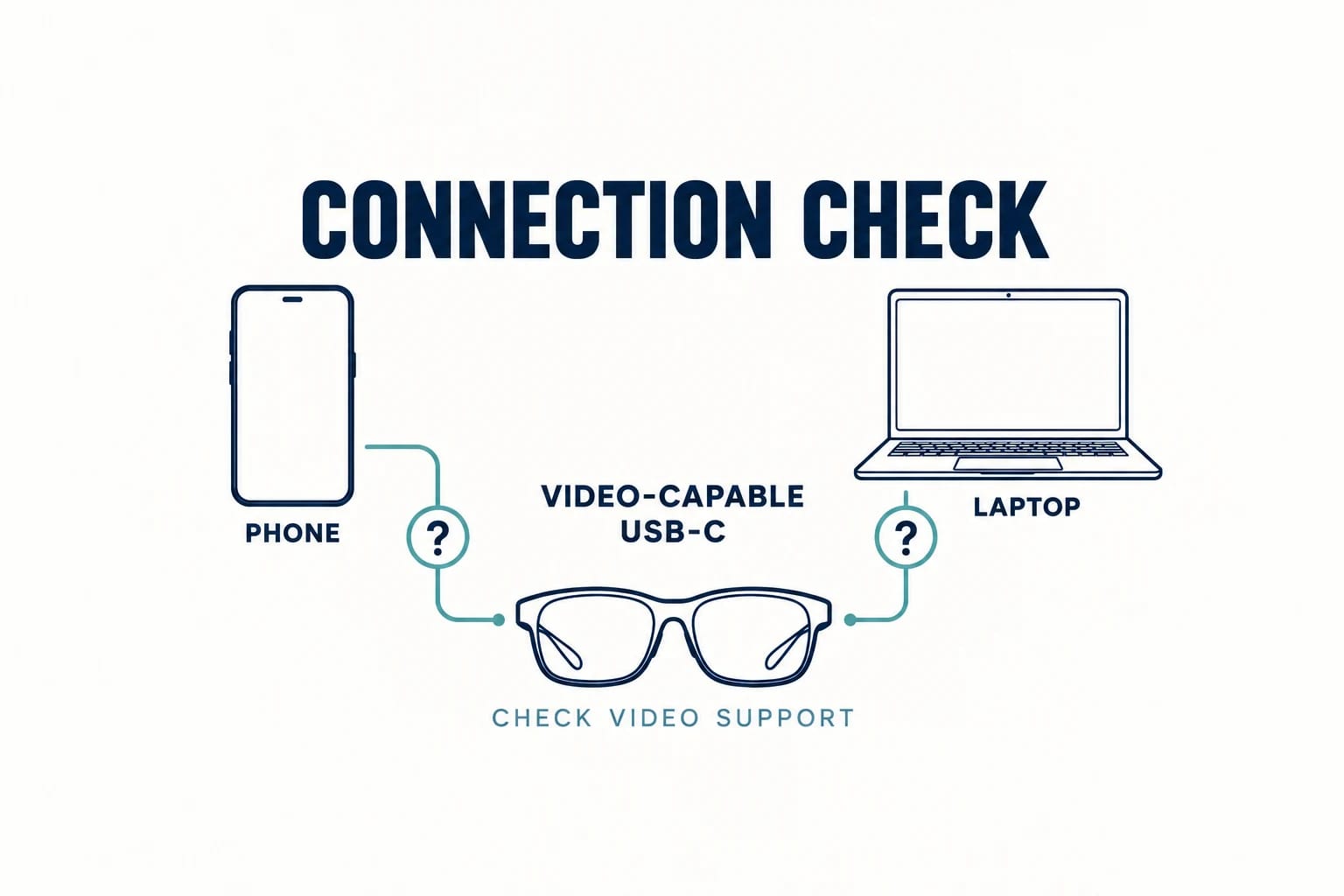
Wearable monitors need video output, not merely a USB-C socket
For direct connection, verify that your phone, tablet, laptop, or handheld supports DisplayPort video output over USB-C, often called DP Alt Mode. A charging and data port can look identical. Use the included video cable or a replacement expressly suitable for the connection.
XREAL's One Series connection guide separates direct USB-C DP hosts from HDMI sources that require an adapter. It also states that the connected device powers the glasses. Plan simultaneous charging if that matters. For HDMI equipment, confirm a supported HDMI-source-to-USB-C-display accessory and its power requirements; adapter direction matters.
Basic display output and advanced app features require separate checks. The VITURE Beast compatibility guide explains phone, laptop, handheld, and dock paths. VITURE's current product page specifies extra accessories for the full iOS SpaceWalker experience.
Resolve prescription lenses and fit before checkout
Your prescription can change both the eligible models and the total. Ordinary prescription lenses, integrated display lenses, and removable inserts have different ordering processes.
- Ray-Ban Meta camera and audio models: prescription options are available. Blayzer Optics Gen 2 offers a rectangular frame in Standard and Large sizes; Scriber Optics Gen 2 has a more rounded shape. Both add interchangeable nose pads and optician-adjustable temple tips, without an in-lens display. Confirm your complete prescription and permanent lens order with the seller; frame-only orders may contain temporary lenses. Ray-Ban says aftermarket fitting must use a certified retailer to preserve the manufacturer's warranty.
- Meta Ray-Ban Display: Meta lists single-vision lenses from -4.00 to +4.00 total power, ordered at purchase. Confirm eligibility for your complete prescription before choosing this model.
- Even G2: online orders support single-vision prescriptions; progressive options go through optician partners. The order needs your prescription and pupillary distance.
- Wearable monitors: budget for the correct insert and corrective lenses. VITURE Beast includes the prescription frame, has no diopter adjustment, and needs separately fitted lenses. XREAL lists prescription lens partners and two One Pro IPD sizes.
A clear center image is not enough for a computer display: try small text and the screen's corners. Check nose pressure, temple fit, lens placement, and cable comfort during a realistic session. Confirm the seller's return terms for customized lenses before paying.
Budget for the complete working setup
Compare the total for your actual task rather than the advertised starting price. Make one list for each candidate:
- Glasses and vision: exact frame and lens variant, prescription charge or insert plus fitted lenses.
- Connection and power: required HDMI adapter or dock, charging adapter, suitable cable, and power source.
- Control and software: optional ring or other controller, a separate media device if needed, and any services you intend to use.
- Checkout: tax, shipping, discounts, and the contents of that specific bundle.
For example, a compatible laptop owner may need only glasses and prescription lenses. A console owner may also need an HDMI dock and power connection. A phone owner wanting simultaneous charging may need another accessory. Meta Ray-Ban Display includes its Neural Band and case; an Even R1 ring is a separate product, so check whether your selected Even bundle includes it. Use current US checkout quotes rather than adding unrelated promotional prices.
A four-step check before you choose
- Name one task you will repeat. Write down what you want to capture, hear or see. Use that task to choose one category before comparing specifications.
- Confirm the complete connection. For wireless glasses, record the exact phone and companion app. For a wearable monitor, record the video-capable host port, cable and any powered adapter.
- Resolve vision and fit. Confirm your prescription, lens order and return terms. Try the controls and the text size you actually need; for a wearable monitor, include the corners of the screen.
- Compare working setups. Use Compare for the shortlisted models and add the lenses, power accessories and controllers you need to each quote. A missing requirement is a reason to investigate before ordering.
For camera or transcription features, check the capture controls and the privacy settings you will use around other people. For office tasks, confirm whether your workplace permits those functions. These checks can settle the choice as decisively as a display specification.
Browse the smart glasses catalog, shortlist models in the Finder, then use Compare to review the candidates within your chosen category. Buy the setup that solves a task you will repeat, with a confirmed connection and vision plan.
Sources and notes
Research sources and verification date
Original manufacturer product and support review: October 5, 2026, for US buying guidance. Targeted October 19 update: phone and companion-app checks, Blayzer/Scriber prescription-fit guidance and the decision checklist. Other model specifications retain their earlier verification dates. This is a researched guide, without hands-on device testing. Features, app requirements, bundles and checkout prices can change.
- Ray-Ban: US AI glasses range
- Ray-Ban: Meta FAQ
- Meta: Blayzer Optics fit, lens orders and regional features (targeted check October 19)
- Meta: Blayzer sizes and Scriber frame design (targeted check October 19)
- Even Support: current G2/R1 app versus the G1 app (targeted check October 19)
- Meta: Ray-Ban Display product information
- Even Realities: G2 product information
- Even Support: phone compatibility
- Even Realities: prescription ordering
- Even Realities: teleprompter workflow and controls
- XREAL: One Pro prescription and IPD options
- XREAL: One Series connection guide
- VITURE: Beast connection paths, accessories, and prescription frame
- RayNeo: Air 4 Pro connection, prescription, and 3DoF FAQ
FAQ
Do all AI glasses have a display?
No. Ray-Ban Meta Gen 2 has camera and audio features without an in-lens screen. Meta Ray-Ban Display and Even G2 combine AI features with displays that serve different purposes.
Will display glasses work with any USB-C phone?
No. Wearable monitors need a supported video connection, commonly USB-C DisplayPort output. A USB-C port for charging and data alone is insufficient. Wireless heads-up glasses instead depend on their companion app and supported phone.
Are 3D content and 3DoF tracking the same?
No. Stereoscopic 3D gives content depth. 3DoF tracking measures head rotation for functions such as screen positioning. Check each feature separately on the exact model.