RayNeo GT Max vs Air 4 Pro compatibility: HDR & 3DoF
Compare RayNeo GT Max and Air 4 Pro for native 3DoF, HDR requirements, phone and laptop connections, and dated US prices before choosing your setup.
RayNeo GT Max vs Air 4 Pro compatibility: the short answer
For RayNeo GT Max vs Air 4 Pro compatibility, the key difference is not simply which glasses accept more devices. Both depend on a compatible video source and connection path. The GT Max adds native 3DoF screen behavior, while the Air 4 Pro is aimed at conventional wired viewing with HDR10 support at a lower listed price. Your phone, laptop, console, adapter, streaming app, and the HDR format carried through that chain matter more than a product label alone.
| Buying question | GT Max | Air 4 Pro |
|---|---|---|
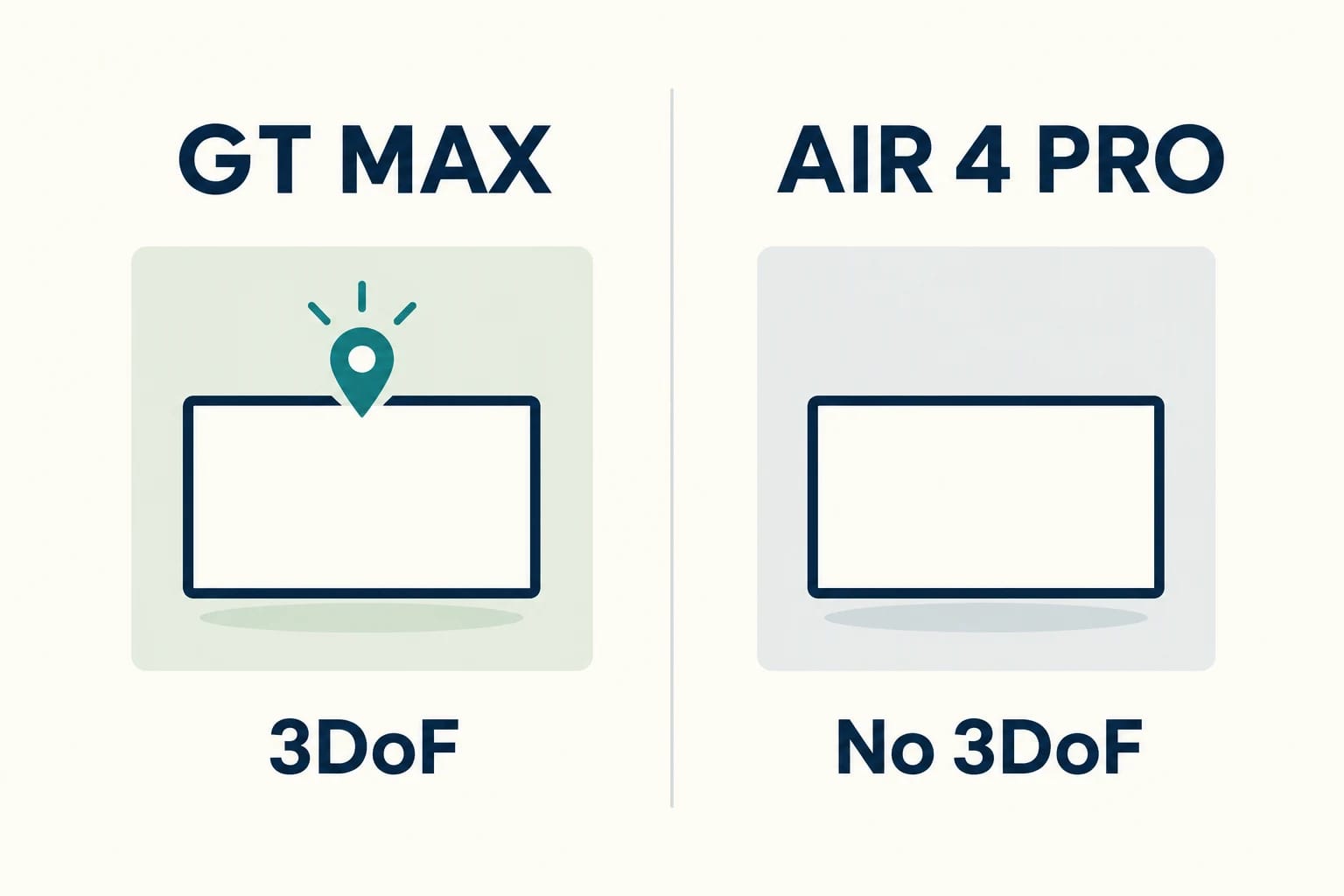
| Screen positioning | Native 3DoF with Follow, Steady and Pinned modes. | Fixed display without 3DoF spatial anchoring; 3D content is a separate feature. |
| HDR requirements | Dolby Vision requires the separate Pocket TV Pro and compatible Dolby Vision content. | HDR10; check the complete host, adapter and playback path. |
| Direct connection | Video-capable USB-C with DisplayPort Alt Mode. HDMI sources need an appropriate adapter. | Video-capable USB-C with DisplayPort Alt Mode. HDMI sources need an appropriate adapter. |
| Listed US base price checked October 25, 2026 | $429 before checkout promotions. | $299 for the Standard Edition before checkout promotions. |
| Extra costs to plan | Pocket TV Pro is listed separately at $199 when needed for Dolby Vision. Adapters and prescription lenses can add costs. | Budget for any required video adapter and prescription insert or lenses. |
Choose GT Max for native screen positioning; choose Air 4 Pro when ordinary wired viewing and a lower base price fit your needs. Compare GT Max and Air 4 Pro side by side, or check the individual GT Max and Air 4 Pro buying guides. These are manufacturer-documented features, not results from our own device tests.
Choose GT Max when a native pinned, head-tracked screen is the priority
Choose the GT Max if you want the virtual display to behave differently as you move your head. Its native 3DoF modes include Follow, Steady, and Pinned. That makes it the relevant option for viewers who specifically want a screen that can stay positioned in virtual space rather than only moving with their gaze. It also supports direct USB-C DisplayPort Alt Mode input, while HDMI sources need an adapter.
Product page lists native three degrees of freedom tracking with Follow, Steady, and Pinned modes, USB-C DisplayPort input, HDMI adapter support, and Pocket TV Pro for Dolby Vision.
RayNeo - RayNeo GT Max AR Glasses
Choose Air 4 Pro when standard wired viewing and a lower listed price fit the setup
The Air 4 Pro makes more sense when you mainly want a wired personal display from a compatible host and do not need spatial anchoring. RayNeo documents HDR10, 1080p resolution, and refresh rates of up to 120Hz, but its FAQ does not present the model as having 3DoF pinned-screen functionality. It is a more straightforward choice when the host already supplies compatible video over USB-C or can be connected through the appropriate accessory path.
Product page lists HDR10, 1080p micro-OLED, up to 120 hertz, 1,200 nits, USB-C video input, HDMI adapter support, and no three degrees of freedom spatial anchoring.
RayNeo - RayNeo Air 4 Pro AR Smart Glasses
Check the exact host port, video output, and content path before buying
Do not assume every USB-C port on a phone, tablet, handheld, or laptop outputs video. The practical question is whether that exact port supports DisplayPort Alt Mode video output, and whether the source, cable, adapter, and glasses can maintain the needed signal. An HDMI console is a separate case: it needs a suitable HDMI adapter path, rather than a simple USB-C charging cable. Compatibility with a connected screen also does not automatically mean that every protected streaming service or HDR title will play as expected.
GT Max HDR and 3DoF: what the added functionality requires
Native 3DoF modes: Follow, Steady, and Pinned
3DoF tracks head rotation—yaw, pitch and roll. It does not establish positional tracking as you walk or lean through a room; that distinction matters when evaluating an apparently pinned virtual screen.
The GT Max’s added compatibility value is its built-in 3DoF behavior. Follow is intended to keep the screen associated with your viewing direction, while Steady and Pinned provide alternative ways to stabilize or place the virtual display. For a buyer comparing these two models, this is the clearest functional dividing line: the GT Max is the one to consider when a head-tracked viewing experience is a requirement rather than a novelty.
Dolby Vision requires Pocket TV Pro and compatible content
Dolby Vision on the GT Max is not a blanket promise for any connected phone, laptop, or USB-C source. RayNeo states that Dolby Vision requires the separate Pocket TV Pro accessory and compatible content. The glasses can still be used for ordinary viewing without Pocket TV Pro, but buyers who are selecting GT Max specifically for Dolby Vision should budget for the accessory and verify the media service, title, player, and playback rules involved.
Separate Dolby Vision, HDR formats, and AI SDR-to-HDR conversion
Dolby Vision, HDR10, and AI SDR-to-HDR conversion should be treated as different capabilities. A Dolby Vision source is not interchangeable with HDR10, and an SDR-to-HDR conversion feature is not the same as receiving native HDR metadata from a compatible title. This distinction matters when comparing GT Max with Air 4 Pro: the GT Max’s Dolby Vision path has an accessory requirement, while the Air 4 Pro is documented for HDR10. Neither description establishes universal HDR playback across arbitrary phones, apps, and DRM-protected services.
Air 4 Pro HDR10 compatibility without spatial anchoring
Host-powered viewing through video-capable USB-C or the relevant adapter
The Air 4 Pro is host-powered for normal viewing. A compatible device needs to provide video through USB-C, or an HDMI source needs the relevant adapter or JoyDock path. Basic display use does not inherently require Wi-Fi or an app, but the source device still must be capable of delivering a usable video signal. For many buyers, this makes compatibility a port-and-accessory question first, rather than a question of operating system branding.
What HDR10, 1080p, and up to 120Hz documentation does—and does not—establish
RayNeo lists the Air 4 Pro as a 1080p micro-OLED model with HDR10 and refresh rates up to 120Hz. Those specifications describe supported capabilities, not a promise that every host will provide HDR10 at 120Hz simultaneously. A phone may have limited external-display output, a laptop may use a different refresh-rate mode, and a console or adapter can introduce its own constraints. Check the output options of the exact source device rather than assuming the glasses determine the entire result.
Why stereoscopic 3D and AI 2D-to-3D are not 3DoF pinned-screen modes
Stereoscopic 3D and AI 2D-to-3D address image presentation, not spatial screen placement. They may alter how content appears in the display, but they do not turn the Air 4 Pro into a model with a native head-tracked, pinned virtual screen. If your comparison begins with the need to keep a display anchored in place while you move, the GT Max’s 3DoF modes are the relevant feature; the Air 4 Pro’s 3D-related functions answer a different use case.
HDR and device compatibility checklist before checkout
Confirm whether the device’s USB-C port carries DisplayPort Alt Mode video
Start with the source device, not the glasses. Look up the exact phone, tablet, laptop, handheld, or desktop port specification and confirm USB-C DisplayPort Alt Mode video output. A USB-C connector can support charging, data, or both without supporting display output. If the manufacturer documentation does not clearly say that the port outputs video, treat compatibility as unconfirmed.
Map HDMI consoles and other sources to the necessary adapter path
For an HDMI console, media device, or computer with HDMI output, map the full connection route before ordering. The GT Max and Air 4 Pro are not direct HDMI glasses; each requires the appropriate adapter path. Confirm the adapter’s power needs, supported resolution and refresh range, and whether it is intended for your source type. A physical connection alone does not establish HDR passthrough or streaming-app compatibility.
Verify the player, DRM rules, streaming app, and HDR content separately
Display output and protected playback are separate checks. Even if a device shows its home screen in the glasses, a specific streaming app may apply DRM, external-display restrictions, or its own HDR rules. Verify whether the app supports external displays from that host, whether the title is available in the desired HDR format, and whether the player can deliver that format through the full connection chain. This is especially relevant if Dolby Vision is the reason for choosing GT Max and Pocket TV Pro.
Check fit needs, prescription insert availability, regional stock, and final accessory cost
Before checkout, confirm the selected GT Max IPD size if applicable, whether prescription inserts are available for your needs, and whether the product and accessories are in stock in your region. Include adapters, Pocket TV Pro, and any other required hardware in the total. The best compatibility outcome is not just a device that connects; it is a setup that supports your source, preferred content, fit requirements, and expected viewing mode without unplanned add-ons.
US price and value comparison checked October 25, 2026
Listed US base prices before checkout promotions
On October 25, 2026, RayNeo’s official product pages listed the GT Max at $429 and the Air 4 Pro Standard Edition at $299. The Air 4 Pro page also listed limited editions at $319. Separate seasonal banners advertise checkout promotions; these base prices do not include those discounts, taxes or shipping. Confirm the selected edition, regional stock and final checkout total before ordering.
Compare the added cost of the Dolby Vision accessory path
The separate Pocket TV Pro was listed at $199 on October 25. Adding its listed price to the $429 GT Max gives $628 before taxes, shipping, discounts or other accessories. This is arithmetic from separate listings, not a quoted bundle or verified checkout total. Pocket TV Pro is optional for ordinary display use, but RayNeo requires it and compatible content for Dolby Vision. Air 4 Pro’s $299 Standard Edition base price may leave more room for the adapters or prescription lenses your setup needs.
Match spending to pinned-screen needs rather than format labels alone
Spend more on GT Max when native 3DoF modes are central to how you plan to watch or work, and account separately for Pocket TV Pro if Dolby Vision is also a priority. Choose Air 4 Pro when standard wired viewing, HDR10 compatibility, and a lower entry price better match the source devices you already use. The more useful decision is not “which has the better format label,” but whether your complete setup can deliver the screen behavior and content path you actually want.
Build your shortlist
See the individual RayNeo GT Max and Air 4 Pro catalog entries for dated price and compatibility evidence, or compare the two models side by side. Use the Finder to check the connection path for your host.
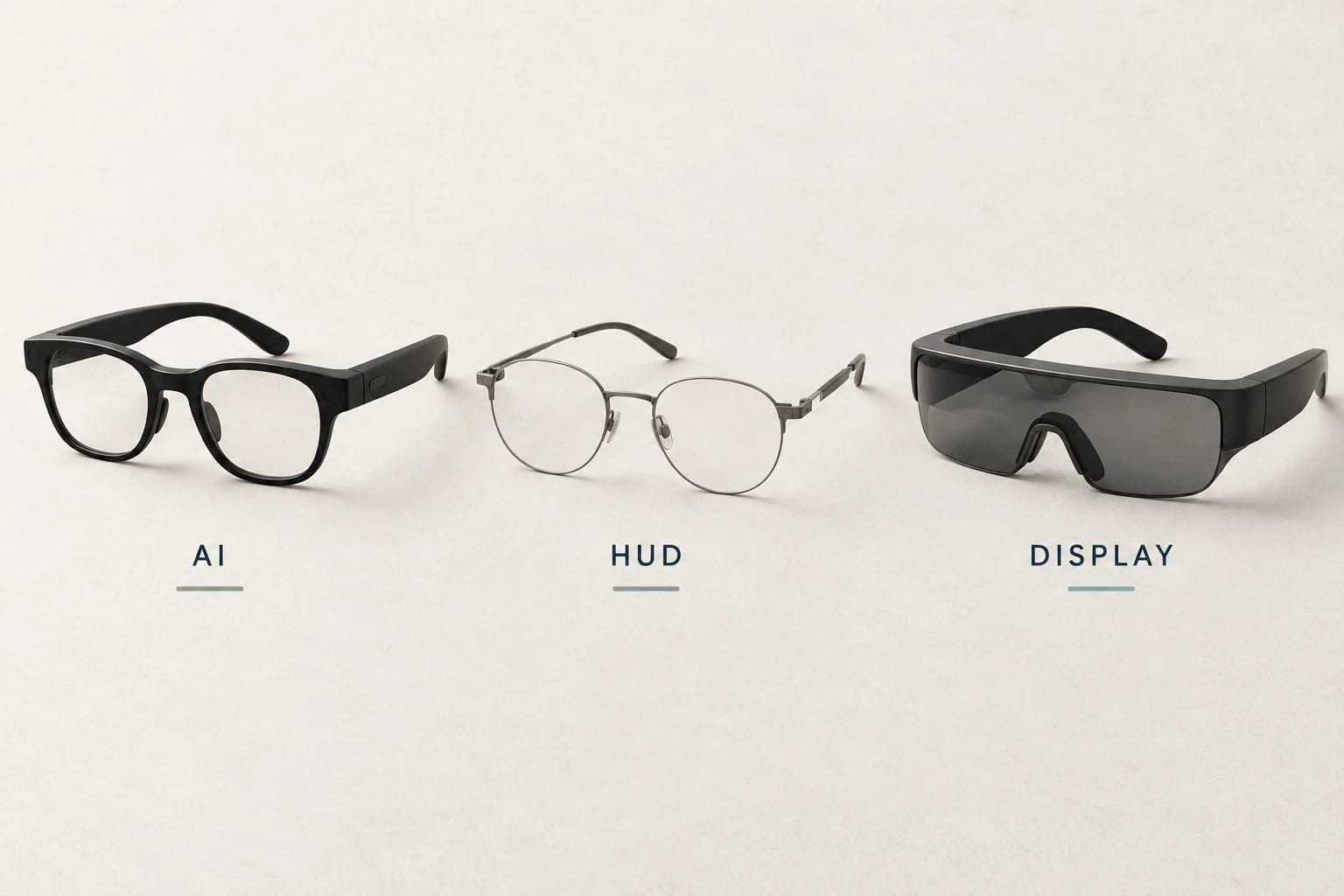
For the category decision, read AI glasses vs display glasses: which type should you buy?.
Sources and notes
Research sources and verification date
Official GT Max and Air 4 Pro product pages, their compatibility FAQs and the Pocket TV Pro accessory listing were checked October 25, 2026. The dated base prices above exclude checkout promotions. Historical manufacturer announcement sources retain their September 8 verification dates. This is a researched comparison, not a hands-on device test.
- RayNeo via PR Newswire: RayNeo Showcases Next-Generation Cinematic AR and AI Smart Glasses at IFA 2026 with Dolby and Bang & Olufsen (published 2026-09-04)
- RayNeo: RayNeo GT Max AR Glasses
- RayNeo: RayNeo Air 4 Pro AR Glasses
- RayNeo via PR Newswire: RayNeo Debuts the World's First HDR10-enabled AR Glasses at CES 2026 (published 2026-01-06)
- RayNeo: Pocket TV Pro separate accessory listing