Everyday AI
Capture, listen, ask.
Check comfort, capture controls and privacy.

Smart glasses, clearly explained For the US market
Explore the models. Compare the trade-offs. Find your next pair.
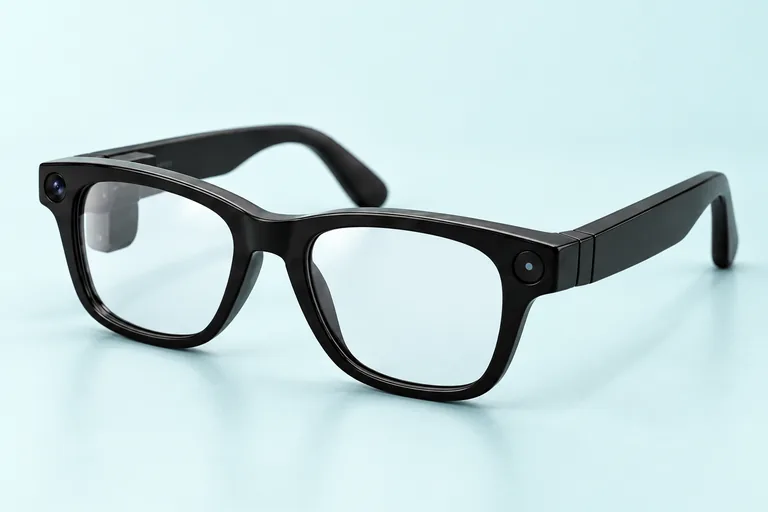
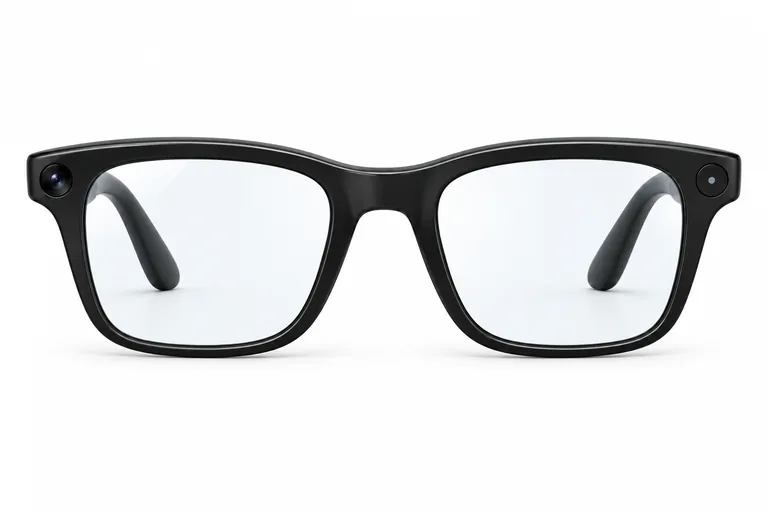
Reference image
Meta
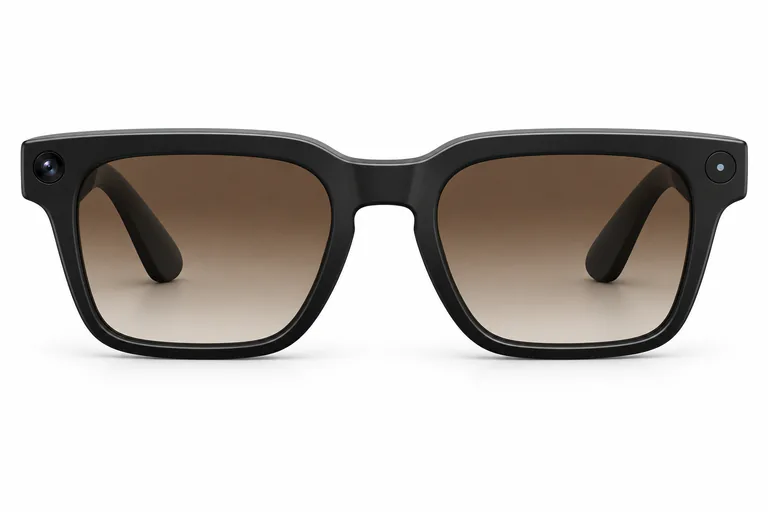
Display-free Meta AI glasses for hands-free capture and open-ear audio; the reviewed clear-lens configuration includes the portable charging case.
Read the product brief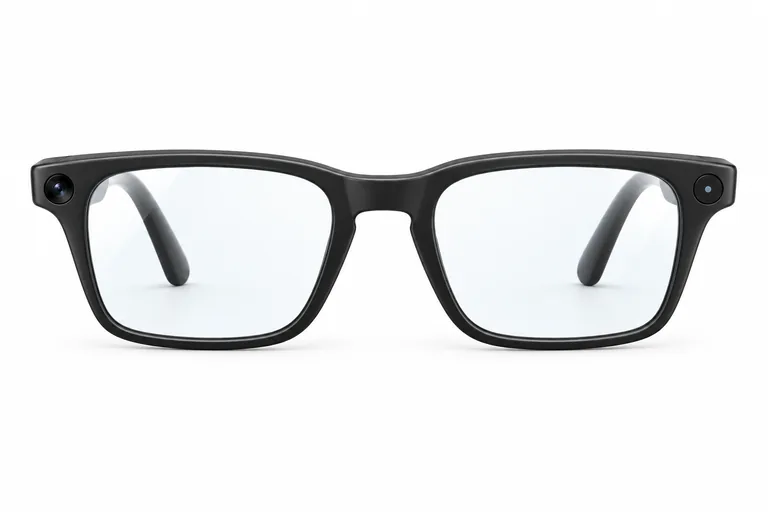
Reference image
Ray-Ban / Meta
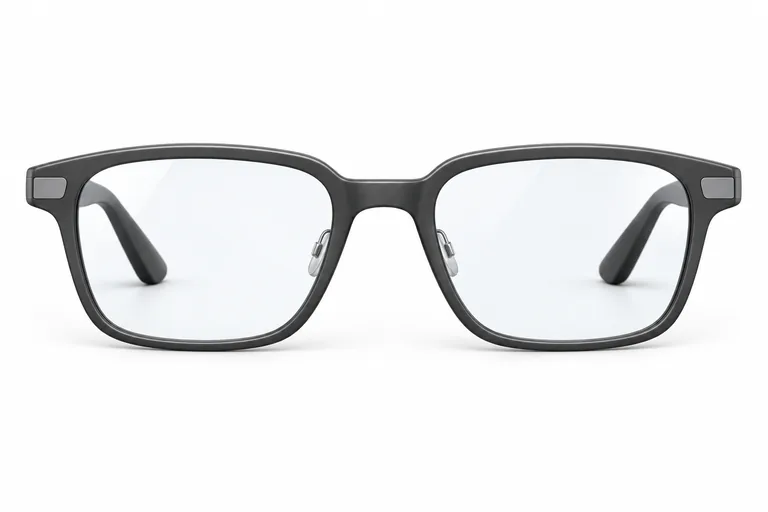
Camera-free, display-free audio AI glasses with open-ear sound, six microphones and a prescription-ready Clubmaster frame.
Read the product brief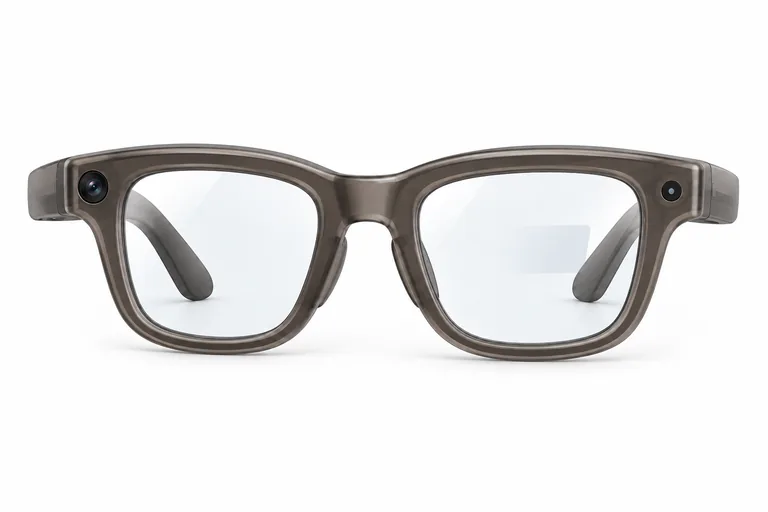
Reference image
Meta / Ray-Ban
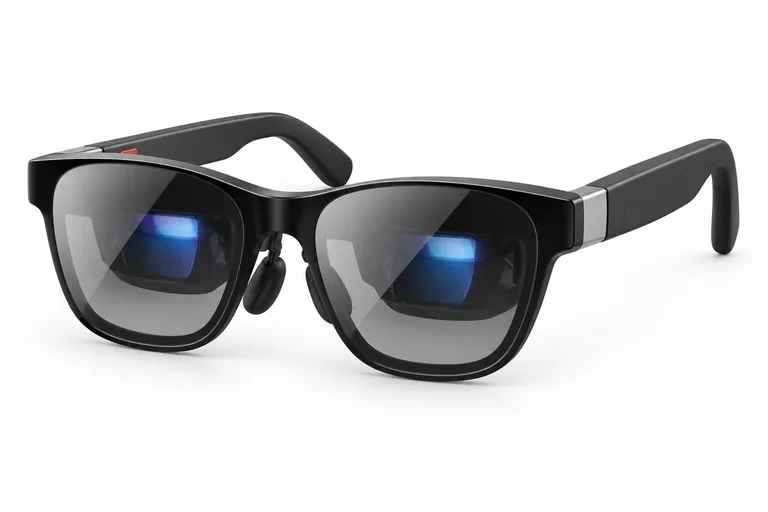
AI glasses with a private full-color in-lens display and the included Meta Neural Band for EMG-based control.
Read the product briefChoose the experience first
Four kinds of smart glasses. Four different reasons to wear them.
Capture, listen, ask.
Check comfort, capture controls and privacy.
Listen and ask, camera-free.
Check sound, microphones and battery life.
Useful information at a glance.
Check visibility, controls and app support.
A private screen on the go.
Check compatibility, comfort and accessories.
Decision desk
Start with a comparison that matches your needs.
Meta Glasses Adventurer vs Meta Glasses Fury
Fit · Capture · Privacy
Meta Ray-Ban Display vs Even G2
Display · Controls · App support
XREAL One Pro vs Meta Glasses Adventurer
Use case · Compatibility · Setup
The journal

Even’s CEO wants temporary restrictions on camera glasses in public. We unpack his proposal and what camera-free G2 glasses mean for privacy.
Read article
A quieter route in
Use the finder to narrow the field by use case, phone compatibility, prescription needs, and the kind of experience you actually want.
Before you choose
A few things to consider before choosing your next pair.
Start with your main use, then compare phone compatibility, comfort, battery life, and price. The finder can help narrow your options.
Compatibility varies by model. Check the supported phones, operating systems, and required apps before buying. Spatial displays may also need a compatible video connection or adapter.
Some models support prescription lenses, while others use a separate insert. Check the options and supported prescription range for the exact frame you choose.
Choose the core job first. Pick everyday AI for capture, audio, and voice features; a discreet display for glanceable information; or spatial glasses when a private wearable screen is the main attraction.
Your next step
Compare smart glasses side by side and find the features that fit your day.
Build a comparison