
XREAL details One Pro travel gaming setups for ROG Ally and Switch
View larger image (opens in a new tab)
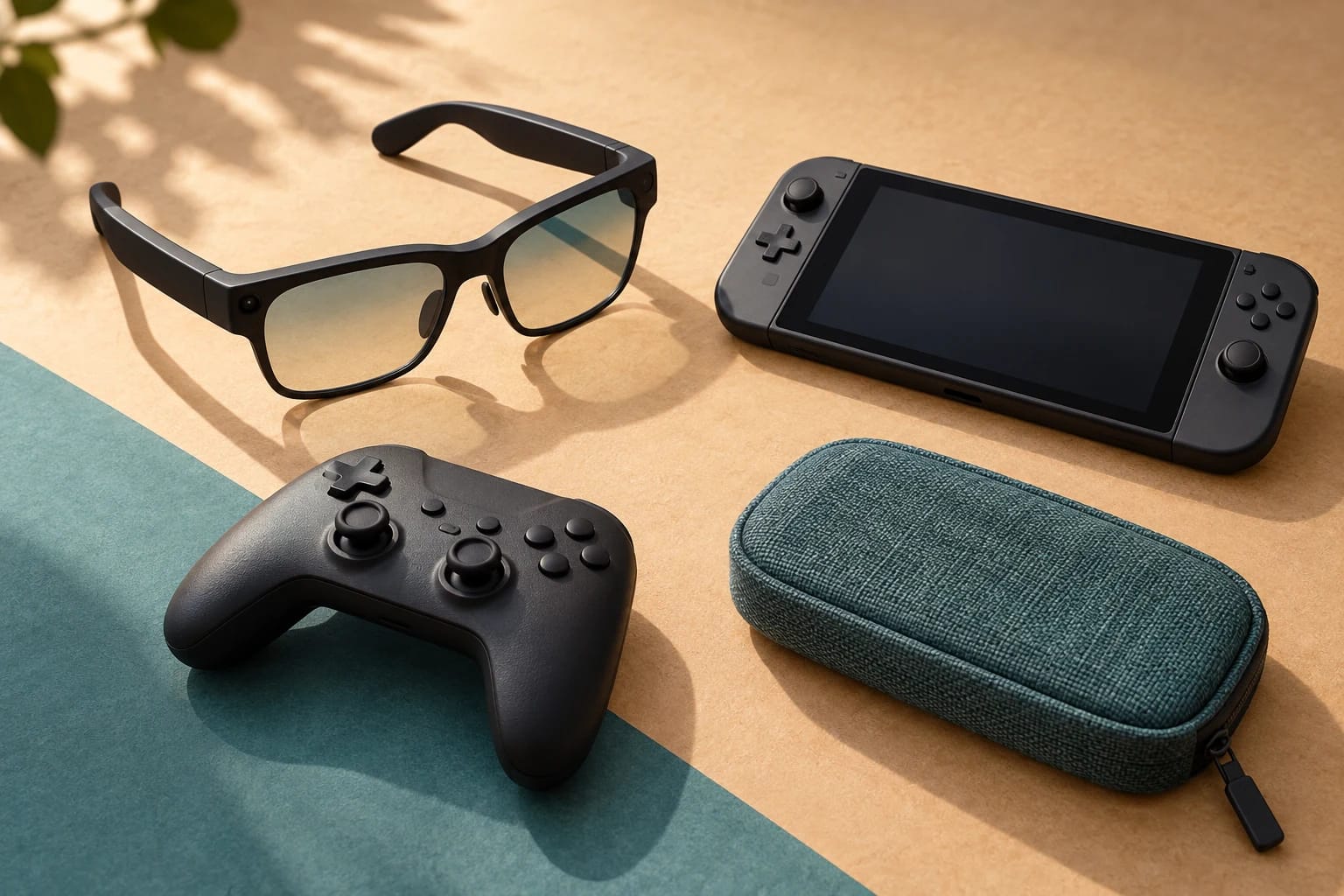
XREAL’s October 28, 2026, guide describes One Pro as a shared travel gaming screen for ROG Ally and the original Switch family. Ally uses supported USB-C video output directly; Switch and Switch OLED require a compatible XREAL Hub with external power. The guide documents connection requirements, not independent testing.
Read the original source for the full details.
XREAL - A Travel Gaming Screen for Switch and ROG Ally: Two Connection Paths
One display, two connection paths
“Shared” here means using the same glasses with either handheld, not providing a screen for simultaneous group viewing. The glasses stay the same, but the video and power arrangements change between consoles.
According to XREAL, One Pro accepts compatible USB-C video and provides 1920 × 1080 pixels per eye at up to 120Hz. That refresh-rate ceiling is a supported signal mode, not a promise that every game runs at 120 frames per second.
What each console needs
Swipe or scroll sideways to see all columns.
| Console | Video route | Power requirement |
|---|---|---|
| ROG Ally with supported USB-C video output | Handheld → video-capable USB-C cable → One Pro | The handheld powers direct display use. Plan a compatible charging arrangement for longer sessions. |
| Original Switch or Switch OLED | Console → compatible XREAL Hub arrangement → One Pro | External power must remain connected to the Hub. |
The guide says Switch cannot use the Ally’s direct connection. Pack the Hub, its required cables, and a compatible charger or power bank. Do not extend this compatibility claim to another Switch generation without model-specific evidence.
XREAL lists the Hub for simultaneous charging and glasses video, with charging rated up to 45W. Actual delivered power depends on the source, charger, and cables; that rating does not establish maximum-rate charging for every handheld.
Test the complete kit before leaving
- Connect each console using the exact cables and power equipment you will pack.
- Open your intended game, confirm external display output, and check text readability, controller access, and audio.
- Select a refresh rate supported by the complete connection, not just the glasses.
- Label the video cable so a charging-only cable does not replace it in your bag.
XREAL gives a 4–5-hour estimate for typical handheld gaming, but it is not a controlled ROG Ally runtime result. For your travel budget, check battery drain with your game, power profile, and final connection, leaving a reserve.
The company’s 3ms motion-to-photon figure describes native display processing. It does not measure the entire delay from a controller press through game rendering and the output chain.
Sources and notes
Sources and notes
Based on the cited source; this is not a hands-on test.